

Protecting your digital legacy might not be something you think about every day, but imagine this—you’ve spent years taking photos, writing emails, storing important documents, and managing your social media, and then suddenly, no one knows how to access any of it. That can leave your loved ones scrambling, trying to guess passwords or figure out what to do with your online presence.
The good news? You don’t need to be a tech wizard to get things in order. A few simple steps can help you keep your digital life safe, organized, and easy to manage if something happens. Here are 11 super easy (but important!) ways to protect your digital legacy and make sure your online world is taken care of.
Featured Image Credit: HayDmitriy /Depositphotos.com.
Make a Digital Inventory

Think about every digital platform you use, including email accounts, social media profiles, online banking services, cloud storage solutions, streaming platforms, & any additional online services. We often forget how many online accounts we have! Allocate time to compile a list of all your important accounts and record their usernames and passwords (where to locate them) and what you want to happen to them in the future. You can create your digital inventory in a notebook, a secure spreadsheet or even an encrypted file.
Use a Password Manager
Remembering many passwords for different accounts becomes exhausting for everyone. Don’t write passwords on sticky notes or repeat the same password across all accounts – use a password manager instead. With apps like LastPass or 1Password, your passwords are stored securely – you can share access to them with a trusted person during emergencies. No more password headaches!
Like our content? Be sure to follow us.
Assign a Digital Executor

A digital executor manages your online accounts when you are no longer able to do so. Choose a person you can trust fully to be your digital executor, such as your spouse, child, sibling or a close friend. Inform your digital executor about the location of your login information and specify clearly what you want to do with the accounts.
Back Up Your Important Data
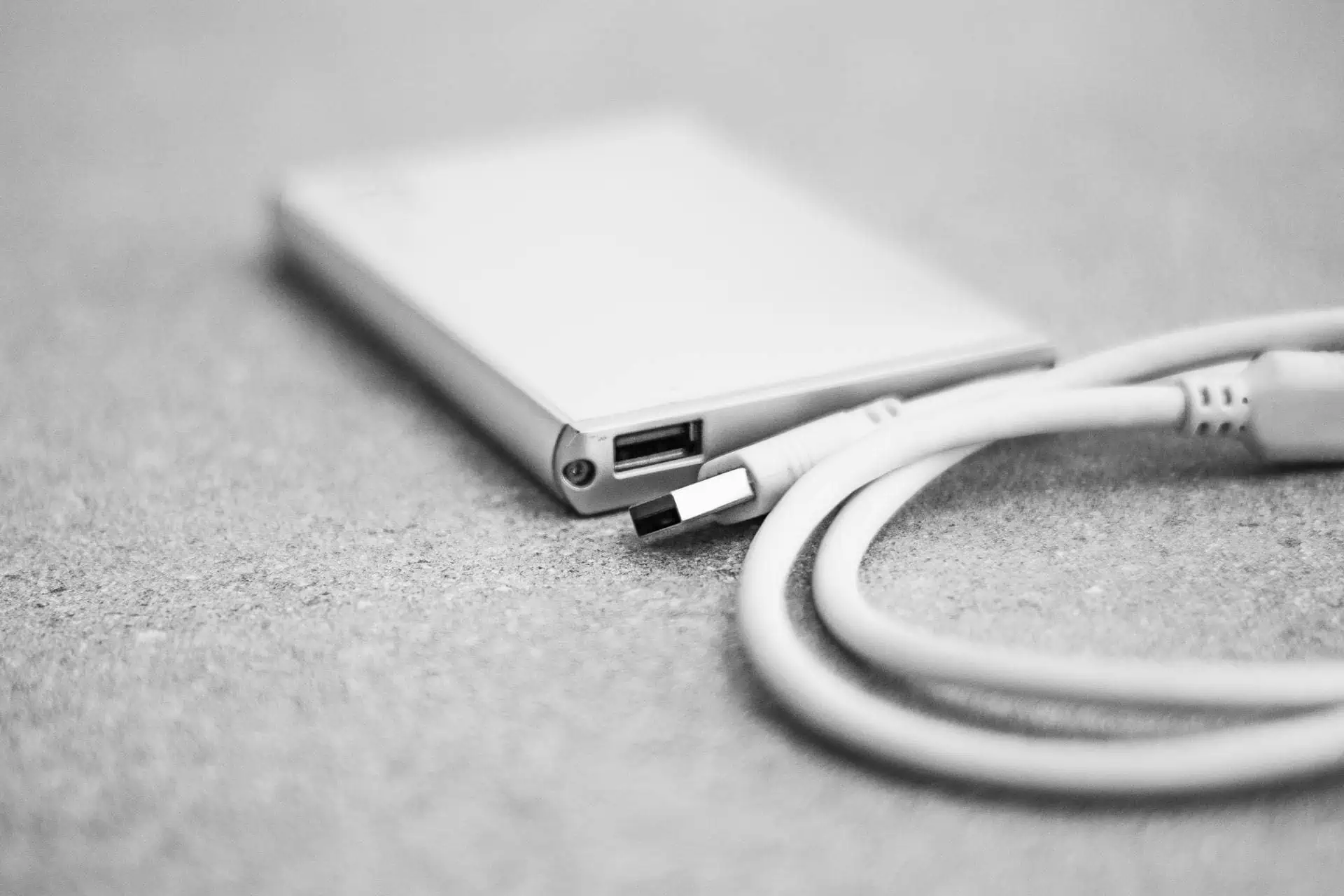
Most of us have tons of photos, documents, and emails stored digitally. But what would you do if your phone stopped working or a hacker accessed your cloud account? To avoid losing everything, set up regular backups:
- Use an external hard drive for an extra copy of important files.
- Store key documents in multiple places, like Google Drive and iCloud.
- Consider automated cloud backups for your phone and computer.
Secure Your Social Media Accounts

Which option do you prefer for your Facebook, Instagram, or Twitter profiles – staying online as a digital memory or getting permanently deleted? Several platforms allow users to designate a “legacy contact” who can administer their profile in case of necessity. Review your social media account settings to determine your preferred actions.
Organize and Label Important Files

Think about how your family might struggle to find important documents buried under years of digital clutter. Make their lives easier by sorting files into easily identifiable folders (such as “Taxes,” “Insurance,” “Family Photos”). Maintain all your files in an orderly fashion so you and others can access them easily in the future.
Set Up Two-Factor Authentication (2FA)
When you receive an alert from someone trying to access your account from a distant location, it’s time to protect your data with two-factor authentication (2FA), which requires a unique code delivered to your phone or email during login. Two-factor authentication is a simple yet effective method to protect your important accounts from hackers.
Write a Digital Will
You may have a traditional will created or planned for your physical assets. But what about your digital assets? Your digital will designates how your online accounts and digital content should be managed after you pass away. You can even include sentimental elements such as messages for loved ones and sharing instructions for specific photos and memories. An attorney can provide assistance if you do not know how to create this setup.
Deactivate or Close Unused Accounts

As time passes, we accumulate many accounts – old email addresses, random shopping sites, unused apps, etc. Delete unused accounts if they are no longer necessary. Removing unused accounts both clears digital space and minimizes identity theft risks that can happen if hackers access your old accounts.
Store Important Login Information in a Safe Place
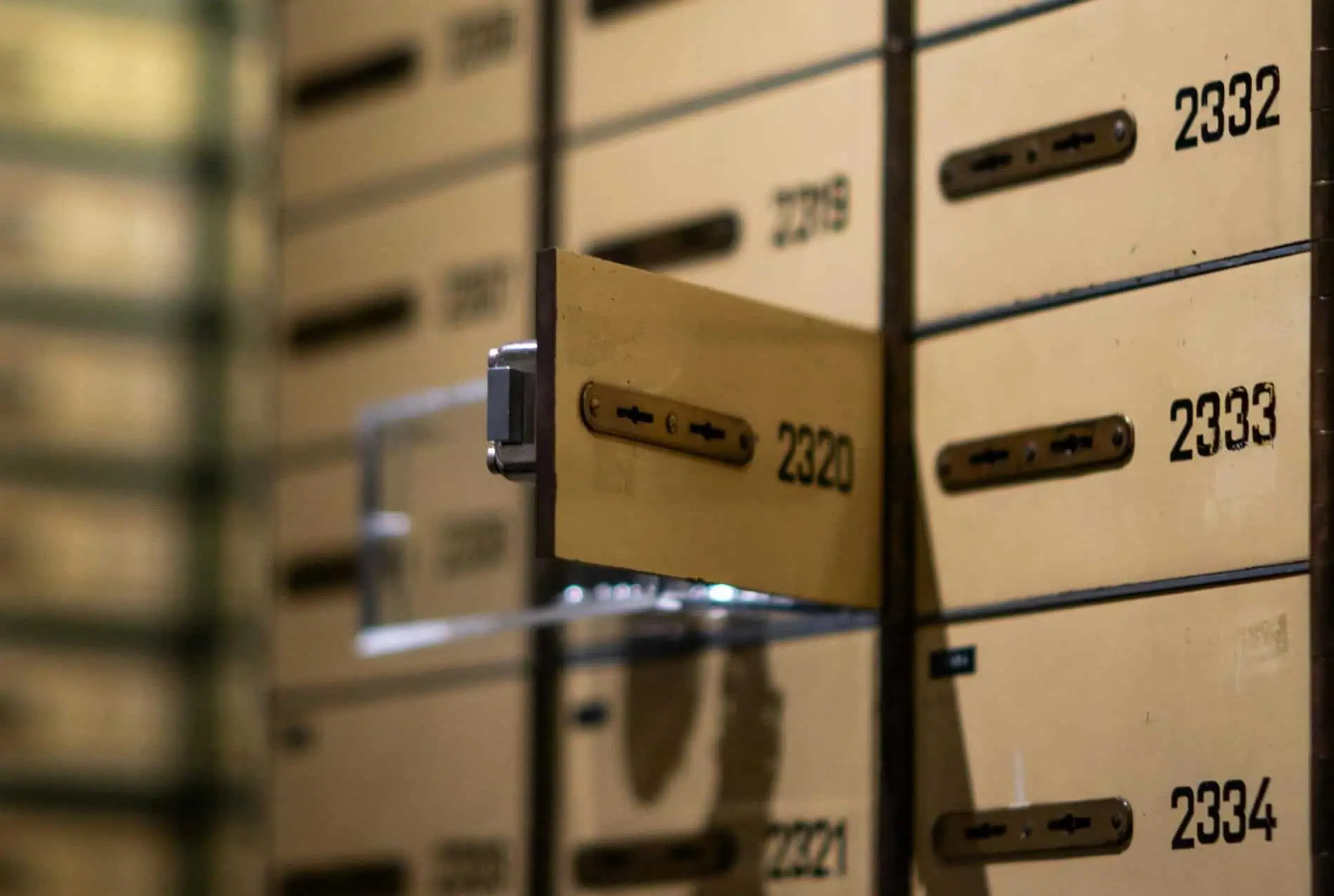
Can your family members access your accounts if they need to do so? Keep a master list of important logins (or instructions on how to find them) in a safe place:
- A safe deposit box
- A physical document stored securely
- An encrypted digital file
Make sure your designated digital executor knows the procedure to access this information when necessary.
Talk to Your Loved Ones

This might be the most important step! Discuss your digital legacy with family members and close friends. Inform them about where important files are located and who should handle your accounts if necessary. You may feel uncomfortable initially, but creating a plan now will prevent significant stress down the road.
Disclaimer: This list is solely the author’s opinion based on research and publicly available information.
Like our content? Be sure to follow us.
Read More: