

A single photo or click can end up sharing way more about you online than you’d ever expect, and once it’s out there, it’s hard to take back. We talked to some privacy experts to figure out how this actually happens. And honestly, a lot of their answers were kind of surprising. So here are 13 ways you’re giving away private information online without even realizing it.
Featured Image Credit: Shutterstock.
Posting a boarding pass photo
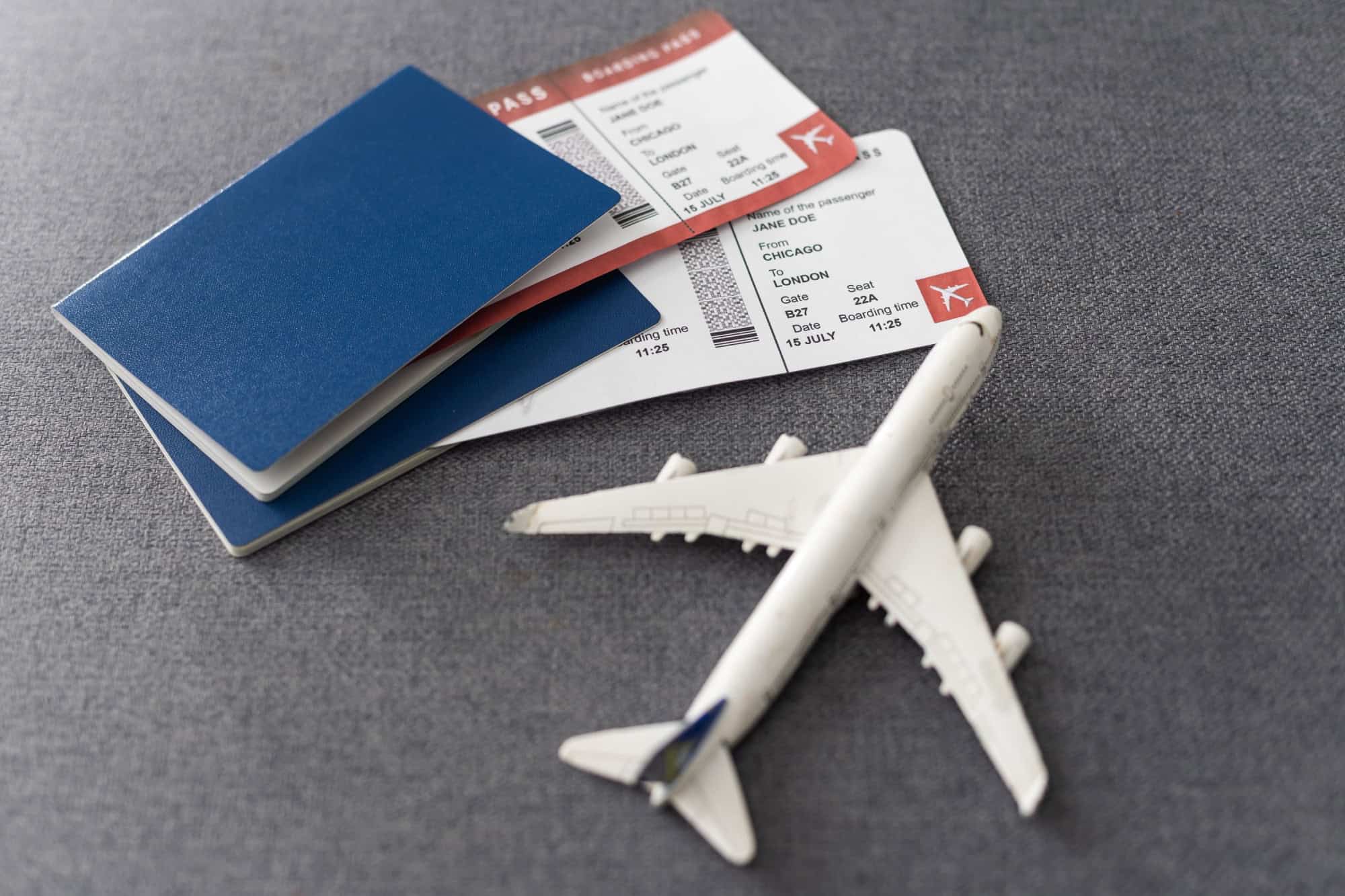
Your cute Instagram post featuring your flight ticket might seem harmless. But the barcode at the bottom of your boarding pass contains all kinds of private data you don’t want out there, like your frequent flyer number and your booking code. Hackers can use it to access your flight details or even cancel your trip.
Showing keys in photos

Those cute “picked out our first home!” or “new car!” pics of you with your car or house keys are invitations for criminals to steal from you. A high-resolution picture can be used to duplicate a key and open your door.
Forgetting about photo location tags

Phones automatically save GPS information when you take a photo. By posting that gorgeous beach photo you took with your phone, or a selfie in your home office, you may be telling all your followers your precise address, unless you disable location tagging.
Sharing kids’ first day of school pics
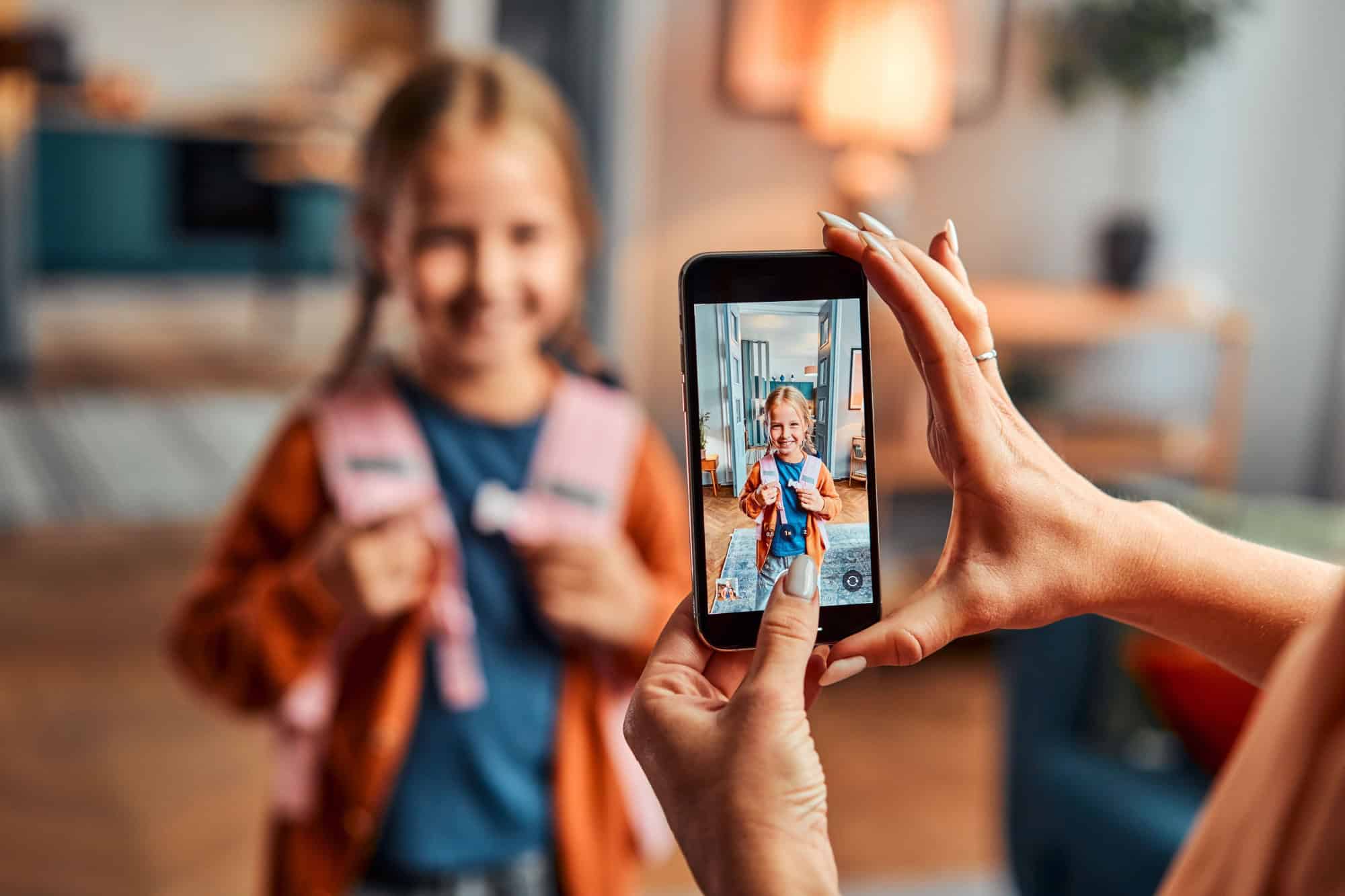
Those adorable back-to-school photos often show the name of the school on signs, shirts, or backpacks. Strangers now know exactly where your child goes every day, which can be dangerous.
Taking online quizzes

You’re right in the middle of this fun quiz, “Which Famous Celebrity Are You?” when it asks you for your mother’s maiden name, or the year you got your pet Fluffy. These are the answers to security questions on your accounts! That data can be sold or used to hack your accounts.
Responding to viral “get to know you” posts

Posts that ask fun questions like “Your first pet’s name + your street = your fantasy name” seem innocent, but those are common security question answers. Hackers collect these for identity theft.
Showing packages or mail labels

Unboxing videos or “look what I got!” posts sometimes include visible shipping labels. Those labels often show your full name, home address, and tracking numbers that anyone can look up.
Auto-filling forms on shady websites

Some sketchy websites use fake “contact us” forms to trick you. As soon as you start typing, your browser’s autofill can reveal your full name, email, address, and even saved phone numbers.
Photos of work-from-home setups

Posting your new office set up, while fun, could also reveal passwords on post-it notes you have around your computer, confidential documents from work, client data on your screen, or company logo water bottles you have around.
Using old passwords for new accounts

When creating new accounts, most people use the same password they’ve used for years, just with a few numbers added at the end. If one of their old accounts is compromised in a data breach, attackers will have access to their email, banking apps, or social media by trying that same password.
Forgetting to crop browser bars

Screenshots of bank transfers, online orders, or emails can accidentally reveal usernames, account numbers, or even private bookmarks if you don’t carefully crop the top of the image. You have to always be careful in cropping these details when sharing screenshots.
Posting party invites publicly

Posting a birthday or wedding invitation photo may seem harmless, but it often shares the exact time and place of a private event. It also shows people when you may not be home, an open invitation to thieves.
QR codes at restaurants or events

QR codes in restaurants, event tickets, and other physical flyers are not always safe. Some will lead you to malicious websites that try to steal passwords or personal information from you the second you scan.
Like our content? Be sure to follow us.

