

Scammers poke at weak spots when they’re looking to get into your account. This includes through your phone & mail. Thankfully, there are some relatively easy ways to stop them, and we’ve done the research for you. Here are twelve ways that you can protect yourself. Which ones are you going to set up this week?
Featured Image Credit: Shutterstock.
Freeze your credit at all three bureaus

One of the best ways to put a hard stop on new credit is through a free security freeze. A freeze blocks most lenders from pulling your file until you lift it, which you’re able to do temporarily whenever you actually need credit. It doesn’t affect your score. You can do it online or by phone through agencies like Equifax & Experian, just as long as you remember to save your PINs.
Lock down specialty credit files
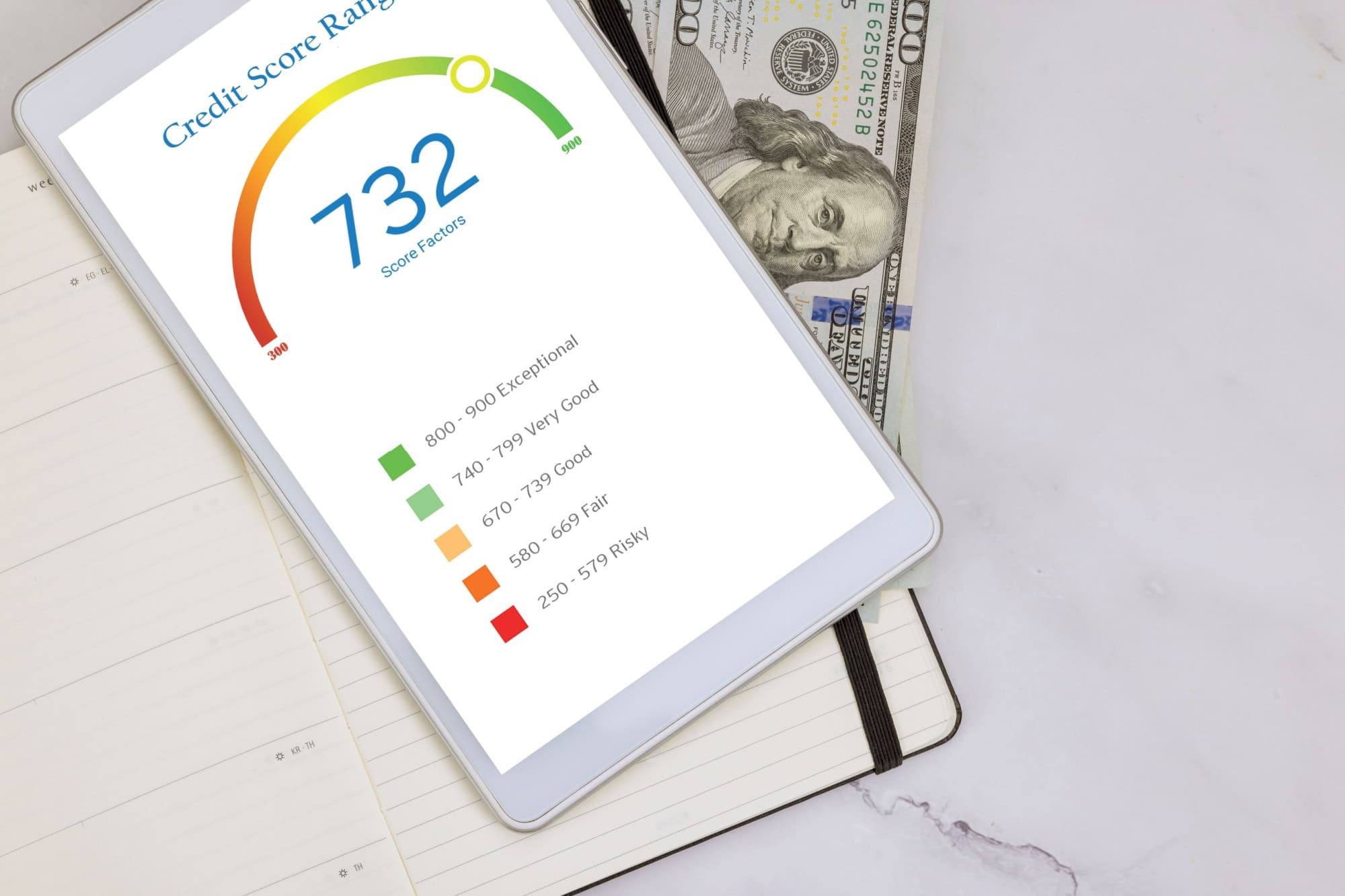
Don’t forget to close off the side doors, too, by freezing your bank accounts with ChexSystems, as well as your phone & utilities through NCTUE. Why? Because scammers use these files to open checking accounts or wireless lines. You can add, lift & remove a freeze whenever you want at no cost, giving you extra protection for when you need it.
Get an IRS Identity Protection PIN

An IRS Identity Protection PIN is a six-digit code that the IRS uses to accept your return. Essentially, it stops tax return identity theft because a fraudster’s filing will be rejected unless they have your code. They’ll even give you a new PIN each year that you can use for e-file or paper returns, so you know your details will always be kept safe.
Create a My Social Security account
You should also try creating a My Social Security account before someone else does. This will prevent impostors from doing it first and give you 2-step verification anytime that you want to sign into your account. You can ask the SSA to “Block Electronic Access” to disable online & automated phone access until you remove it.
Add carrier port-out PIN & SIM-swap protections

There’s no harm in having additional protection, and that’s where these account locks come in. Try calling your mobile carrier & adding every available account lock. These include a port-out PIN & SIM-swap/number-lock, as well as extra verification on changes. Doing so makes it harder to move your number. That’s pretty important during password resets and account takeovers.
Switch to phishing-resistant sign-in
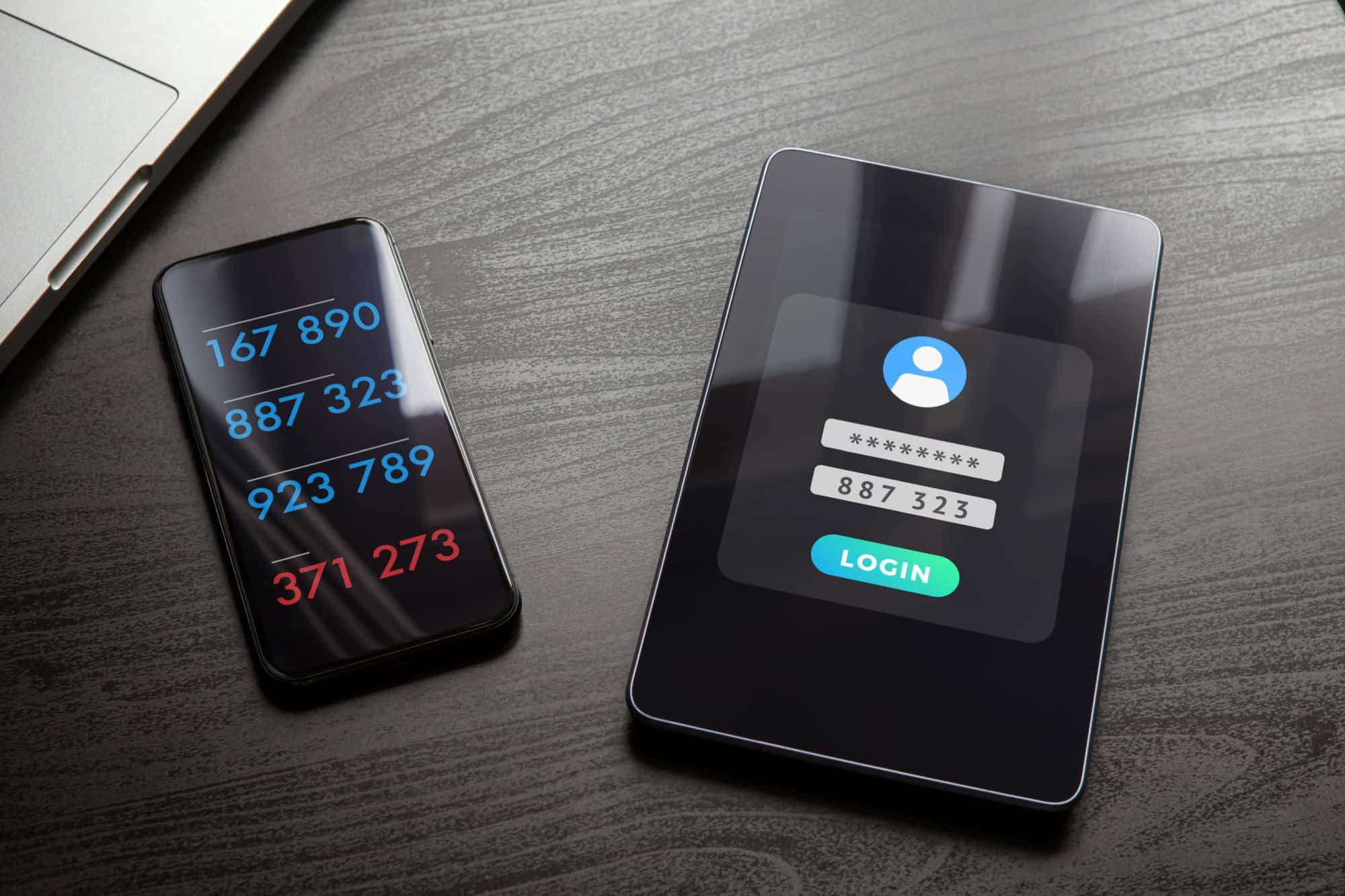
Most sites have passkeys or security keys instead of passwords. Use those. It’s easier than you think for scammers to hijack text messages, but passkeys are locked to the actual website, so a fake login page can’t trick them. Google & Apple already support these keys. It’s well worth flipping the switch.
Turn on real-time bank & card alerts
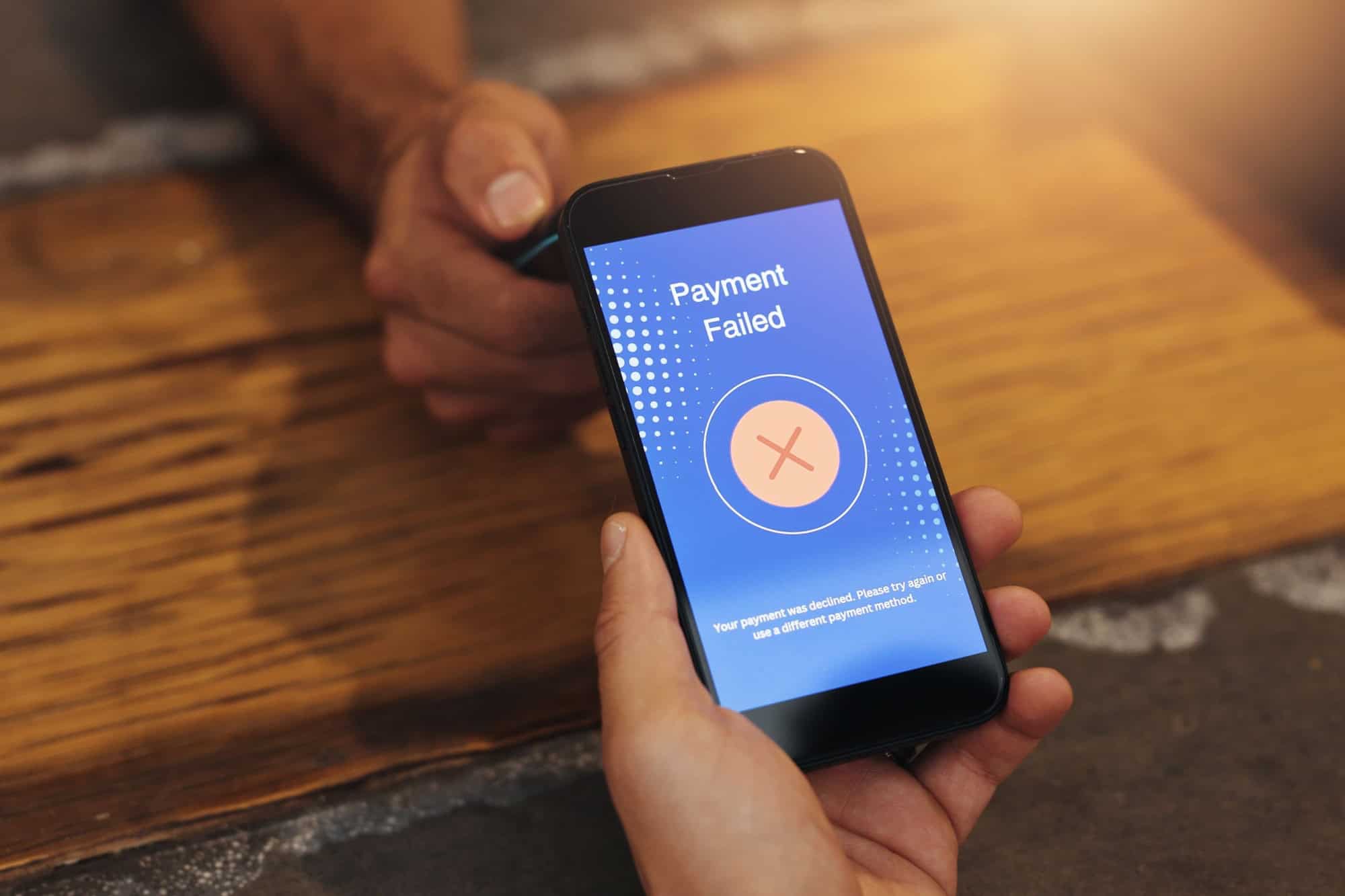
Banks usually let you set up notifications for any account activity. These include card swipes & wire transfers, but also when someone changes your profile. You’ll have the choice of text, email, app notifications, or all three. Speed is important when you’re trying to deal with a scammer. As such, getting an alert right away about fraud is better than three weeks later.
Pay online with virtual card numbers

When you save a credit card in your Google or Apple accounts, you may be able to turn on a virtual card. A virtual card works like a mask for your real card number & allows you to use a temporary number when you’re paying for something that only works for one merchant. That way, if scammers get a hold of your number, you can just cancel it & move on. You won’t need to replace your main card. There’s no reason not to do it.
Verify payment instructions through a known phone number

Scammers prey on people by pretending to be technical support. Anytime that you get an email telling you to send money, don’t just follow along. Pick up the phone & call them using the number on their official website. You can find this on Google. Whatever you do, don’t click the link or call the number in the email unless you’re sure it’s accurate.
Watch out for look-alike website addresses
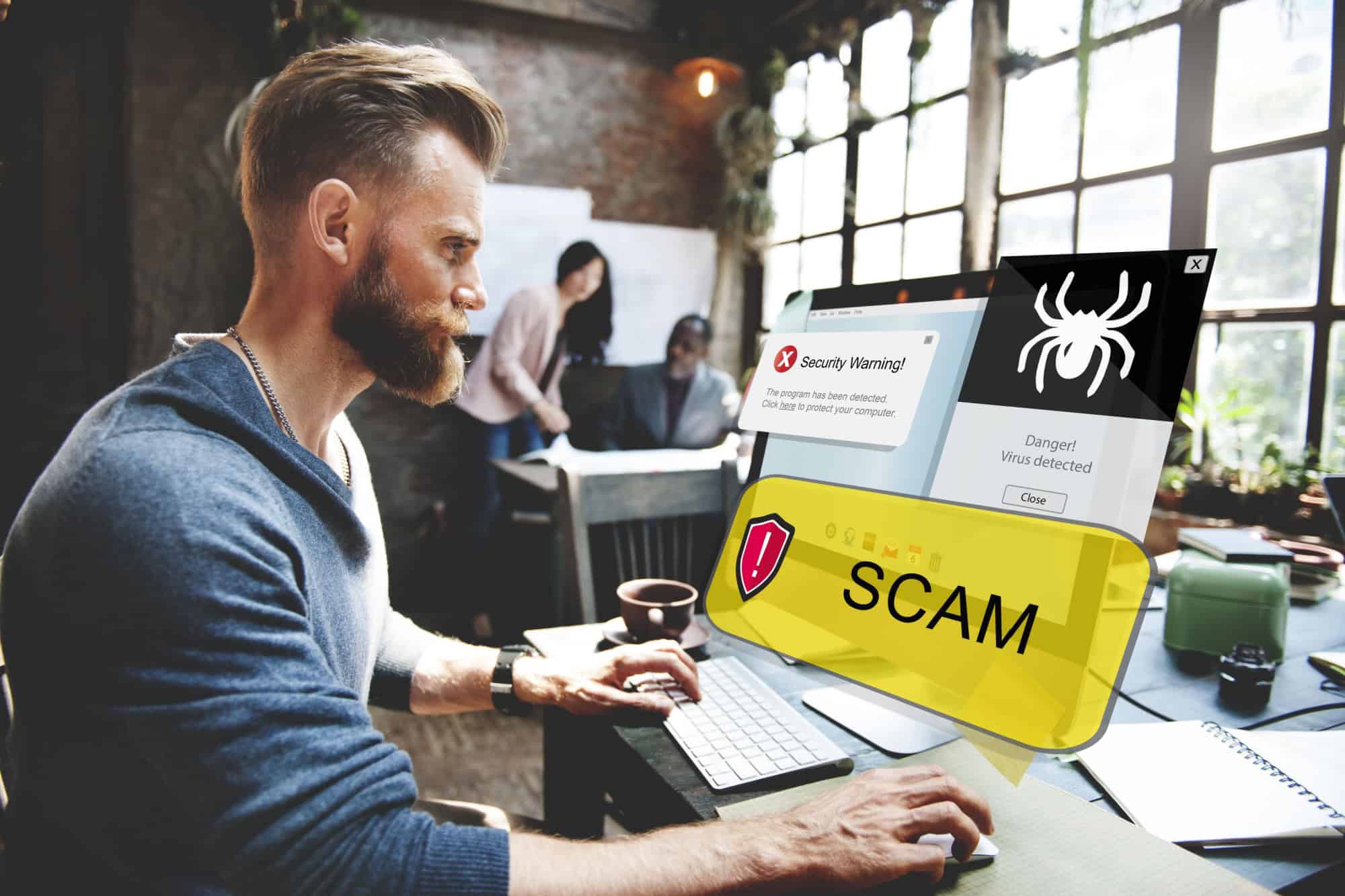
Some scam sites look almost identical to the real thing. They’ll have subtle changes like swapping a character or including a dash. That’s why it helps to glance at the full address bar before logging in, and make sure to only use “https” sites with the padlock showing. Type the site name yourself if you have any doubts.
Shred papers

Old bills & bank letters might be useless to you. But to scammers, they’re the perfect way to access your account number or personal information. You should get a shredder & shred these documents to avoid this. The cost of a shredder is far lower than the cost of dealing with a scammer, so it’s well worth making this investment.
Use a separate email for shopping & sign-ups

Creating a second email takes about five minutes & is absolutely worth it. You can use it whenever you’re buying things online or signing up for coupons, as it’s no big deal whenever that email gets spammed with shady offers. Your main inbox stays clean. Depending on the email provider, you’ll have filtering options, too.
Sources: Please see here for a complete listing of all sources that were consulted in the preparation of this article.
Like our content? Be sure to follow us.