
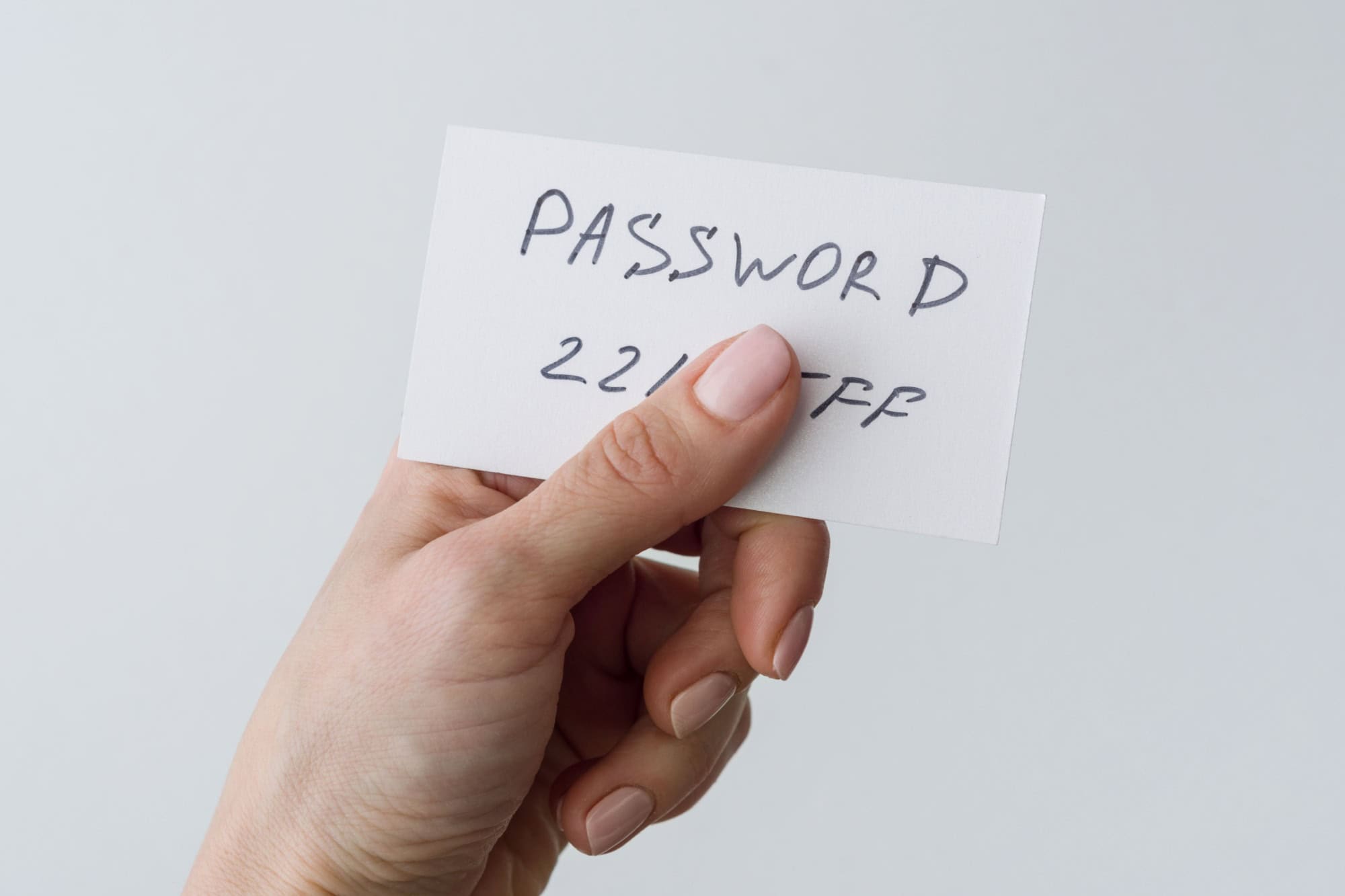
It’s strange how predictable people can be with passwords. Hackers go for habits they see thousands of times, and not necessarily the obvious things like birthdays or names. Here are ten password habits that thieves guess first. What other password habits do you think are risky?
Featured Image Credit: Shutterstock.
Seasonal word + current year + punctuation

Every few months, people switch to something like “Winter2025!” or “Spring2024!” because they think it’s smart. Yet thieves know that cycle happens at work & in schools. They’ll plug those combos in early and may even try “Summer2023!” just in case you’re behind on updates. As such, you should never use anything so obvious for your password.
Bumping the ending number on the same base

Some people rotate their passwords by changing the number, like turning “RoadTrip1” into “RoadTrip2.” They think they’re being responsible by changing it up, but attackers just run every number in a row until one sticks. They’ll also test “!” at the end because it’s what most sites force when you update your password.
Keyboard walks

A bunch of letters like “1qaz2wsx” look random at first glance. But it’s literally straight lines across your keyboard, and if your fingers can make the password without your brain thinking, so can a hacker’s. Passwords like “zxcvbnm” or “asdfgh” appear millions of times in leaks, right next to “qwerty,” of course.
Capital-first, exclamation-last

A password that starts with a capital letter & ends with an exclamation point is far too obvious. Passwords like “Password!”, “Office1!” and “Laptop!” are usually a hacker’s first guesses. That exact pattern, with an uppercase letter at the start & punctuation at the end, is a common lazy trick. It’s not English class. Use capital letters at random moments in your password instead.
Exactly eight characters
Eight characters used to be a strong password length. However, these days, it’s the bare minimum, and most stolen passwords fall right at eight. Hackers test that length first. The longer the password, the more secure it is, as long as you can remember it all, though.
“Admin” on admin portals

You might think nobody would use “admin” as a password for an admin account. But they do. “Admin123,” “Admin!” & “Administrator” all pop up far too often, and that’s why attackers run those right away. You should never use a word in your password. Stick to random letter and number combinations instead, as these are far harder to guess.
L33t swaps of obvious words
Some people swap letters for symbols, thinking it’s clever, but then they pick the same tired replacements. They’ll use @ for a, 0 for o, $ for s, and so on. Hackers run those exact swaps as a rule, and cracking tools expand a base word into dozens of leet variants automatically. Never rely on words or word replacements.
Reversed words & case toggles
Flipping a word backward or reversing the capitalization doesn’t make your password original. Password engines auto-create those flips from a simple dictionary list and will recognize that “password” is just “drowssap.” The reversed & mixed-case forms are cheap to test, and they’re usually in the first pass of guesses.
Near-miss typos & neighbor-key swaps

Typos get people into trouble, and simple mistakes, like missing a letter or hitting the key beside the one you meant, produce many common variants. These include words like “passwrod” or “adnim.” While they’re not words, one intended word may turn into dozens of likely mistakes that attackers test without any extra effort on their side.
Base password plus the site’s initials or domain
A few people tack a short site tag on the end of their favorite password, like “SunnyDay!yt” for a YouTube password or “SunnyDay!em” for their email. Sure, it’s convenient. But it creates predictable suffix patterns, and guessing tools generate those edits by appending common service codes & domains.
Sources: Please see here for a complete listing of all sources that were consulted in the preparation of this article.
Like our content? Be sure to follow us.