

We’ve all heard random tech advice from other people and believe it, but as it turns out, a lot of what we think we know about technology is a complete lie.
The memory pile

Forget what you’ve heard about RAM and laptops. A slow laptop doesn’t need more RAM to make it faster because, really, it’s probably chugging along for other reasons. You might have too many internet tabs open. Or maybe it’s just an old and overheating computer.
Adding more RAM to a weak processor isn’t going to make it go any faster because the problem goes deeper than that. Think about it like this. You’re not going to put a giant racing spoiler on a 2007 sedan and expect Formula 1 results, are you?
The tower scare
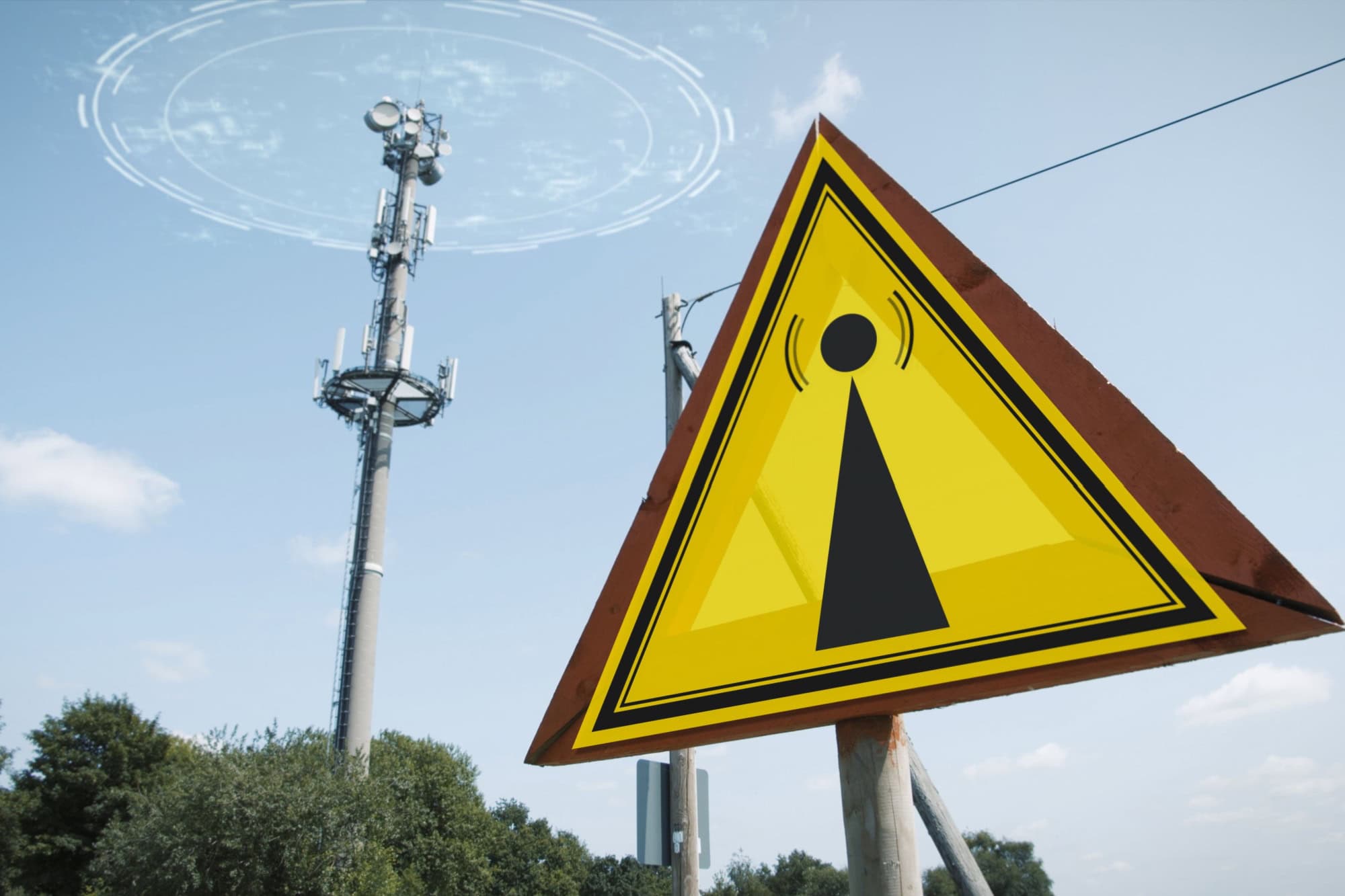
The internet has made 5G towers the cause of practically every health problem around. People online claim the towers are responsible for every headache or bad sleep schedule you might experience. Weird rashes? That’s because of those phone signals.
But it’s not true. 5G uses a kind of radiofrequency energy that’s been around for years and doesn’t hurt our health. It’s not the same kind of radiation as X-rays. There’s no reliable evidence showing that 5G exposure can affect your health in any serious way.
The Apple bubble
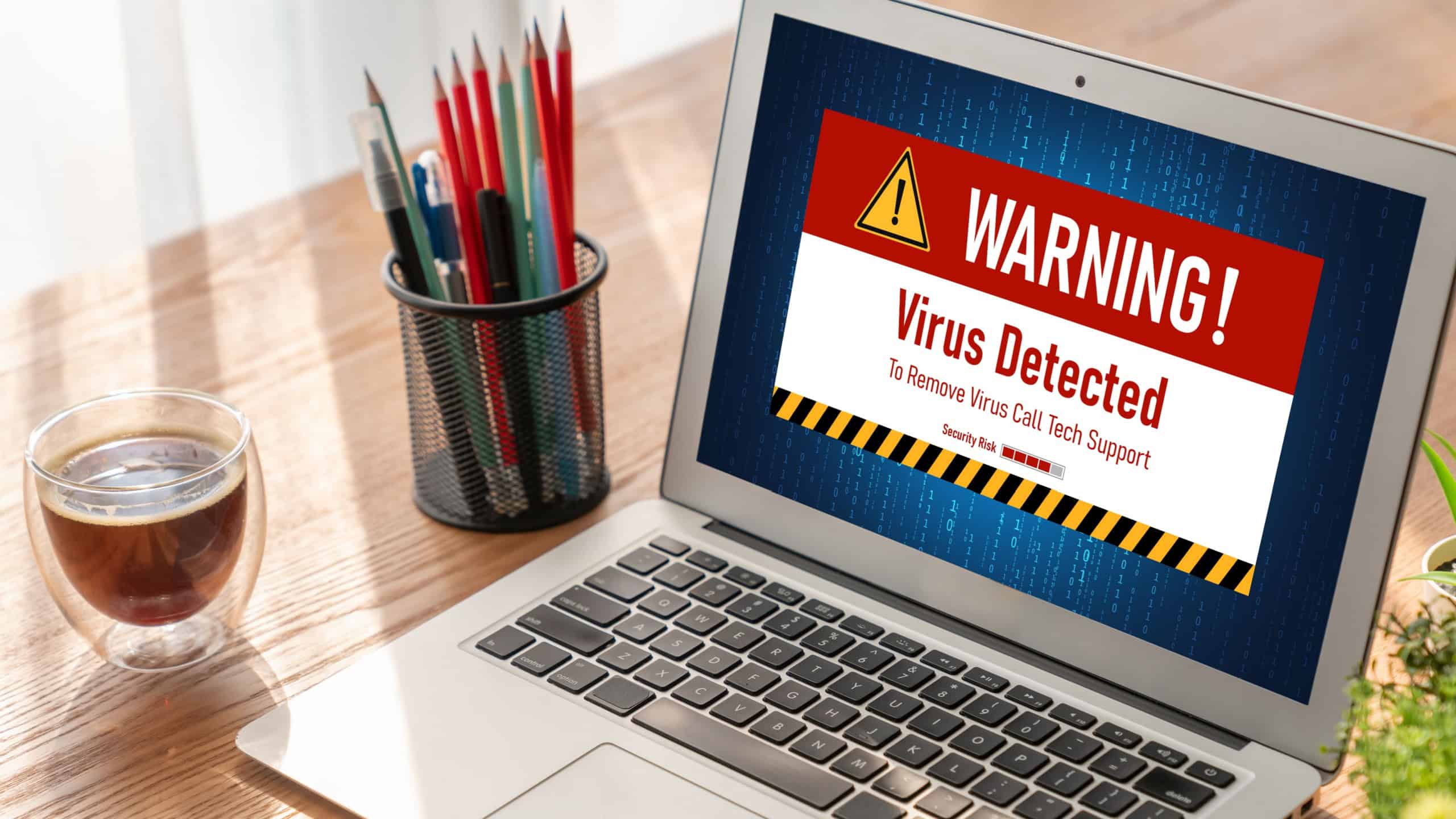
Some people pretend that Macs are absolutely invincible. They’ll pretend that viruses somehow bounce off the screen and disappear, but that’s never been true. Malware does exist on Macs. You can get viruses on them, so you still need to keep your device safe.
The myth started because scammers didn’t used to target Macs as much in the past. Fewer people owned them. But they’re pretty common nowadays, and scammers absolutely care about trying to get into them. A fake download link is still harmful on an Apple device.
The hidden window

There are those who seem to think that opening a private browsing tab keeps you invisible. Not true. The only difference is that your browser quits saving some things locally, like your history and cookies, once you end the session.
Websites can still find your IP address, and your school or workplace network can monitor your activity. What’s private browsing actually useful for? It gives you privacy from your roommate and anyone using your computer, not from the entire internet.
The bigger number

One of the biggest lies came from the phone companies themselves. They managed to convince everyone that megapixels are the most important part of a camera. We believe that the higher the number, the better the camera. But photos depend on more factors.
The sensor size matters, and so does the lighting. There’s also image processing. Let’s not forget about the lens quality. A cheaper phone could have a bunch of megapixels but still take blurry photos, while a lower-megapixel camera can create cleaner images.
The nightstand panic
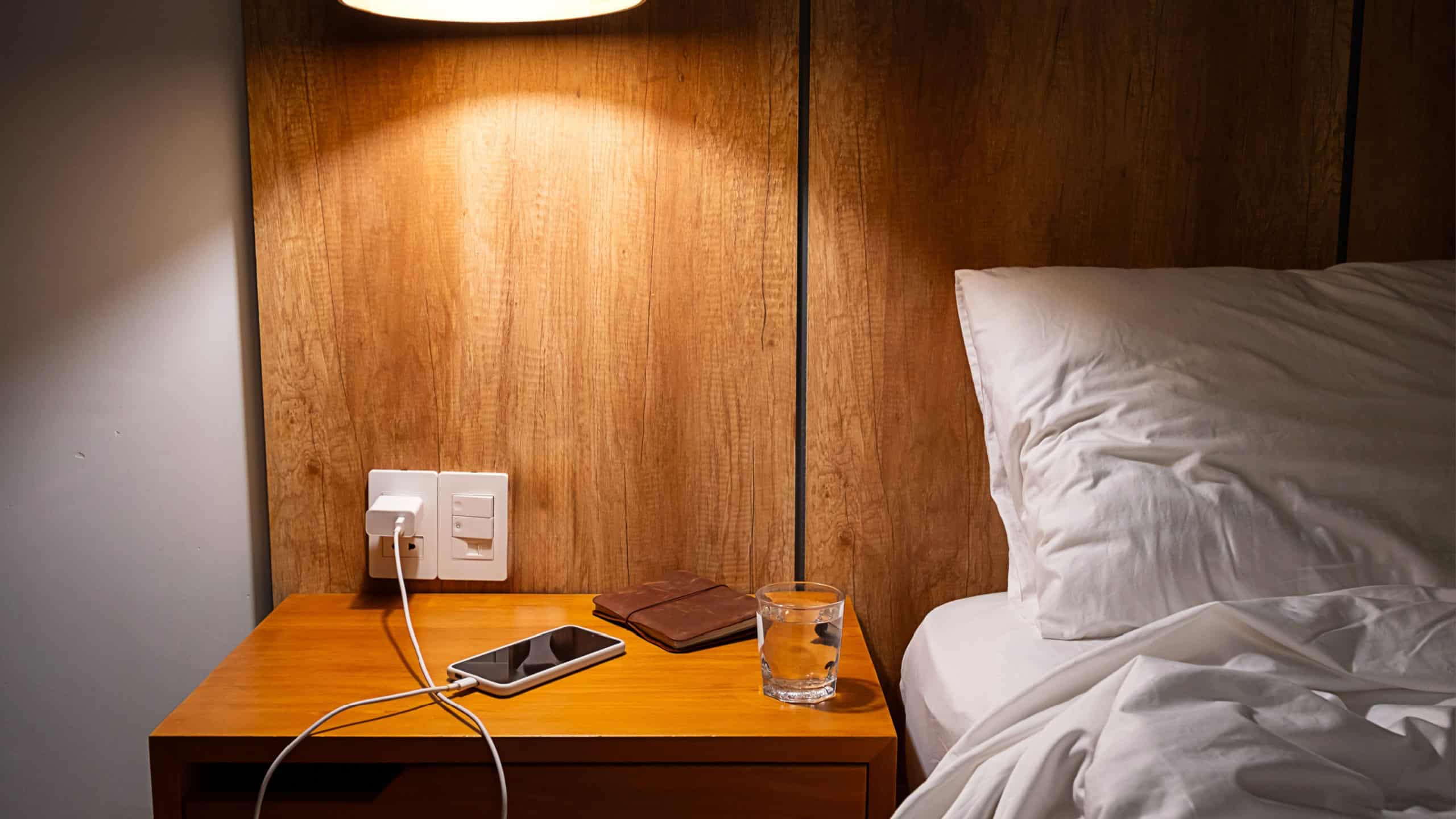
You’ll find some people unplugging their phones before they sleep because they think overnight charging ruins the battery. That was true twenty years ago, sure. But not anymore. The majority of phones will slow charge or stop charging completely once the battery’s filled up.
Apple even has smart charging on its phones. Your phone learns your schedule and delays full charging until it detects you’re up. The bigger problem here is heat. Leaving your phone charging under your pillow is way more dangerous than leaving it simply plugged in overnight.
The empty tank

Here’s another battery myth. Older rechargeable batteries worked better when you drained them fully before charging, and some people think it still applies to modern smartphones. It doesn’t. You might actually be putting more stress on a lithium-ion battery when you let it run to 0%.
You’re better off keeping it somewhere in the middle. Charging it at 30% is completely fine. It’s also fine to charge it at 62%. Your phone doesn’t remember where the battery starts, and you should charge it when you need to.
The little staircase

We feel reassured when we see four bars on our phone. However, that doesn’t actually mean anything about your overall network quality. It’s showing you that the signal is strong, yes, but the congestion around you matters. The carrier and tower traffic also have an effect.
The buildings around you can change how well your internet works. You could have two bars in one place and get fast speeds, and that’s because fewer people are using the network. Full bars in a crowded stadium’s going to get you nowhere.
The swipe-up ritual

A whole generation of people believes that swiping away every app on their phone will make it faster. It feels productive, sure, but phones can handle background apps themselves. You’re actually using more battery by reopening apps repeatedly.
The phone has to fully reload everything again. The only time you need to force close apps is when they freeze or stop responding, not to save your battery’s life. It’s the phone version of hitting elevator buttons multiple times. It feels good, but it doesn’t actually help.
The kitchen cure

We all panic when we drop our phones in water, and that’s probably why the rice trick became so popular. Simply place your phone in a bag of rice, and voila, it’s suddenly waterproof. But that’s not how it works. Rice isn’t going to suck the water out.
Apple’s actually warned against it because tiny particles can get inside and ruin your phone. You should try letting the phone dry naturally. Create airflow that’ll get the water out instead of assuming that a bag of rice will do it for you.
The fancy cable

One of the easiest upsells in electronics stores is expensive HDMI cables. You’ll hear that buying an ultra-premium cable for your TV makes the picture quality way better. Digital signals don’t work like that. All you need is a working cable that supports the right bandwidth.
That’s something you can get from a regular certified cable, not necessarily just an overpriced one. It’ll get you the same 4K picture. The difference with more expensive cables is that they’ll have better shielding or durability, but they’re not going to make the pixels sharper.
The cable shelf

Ethernet cables are another ‘luxury’ product that’s lying to you. People in the store will tell you that you need to buy a $70 option because it’ll make your internet better, but that’s not true. Most internet plans don’t even come close to needing that sort of hardware.
Your home internet might be maxed out at 300 Mbps. An expensive cable for a network beyond 1 Gbps isn’t going to make yours any faster, and it depends more on your router. Your provider matters, too. Stick to a decent, normally-priced cable.
The percentage trap

AI is everywhere these days, and some people treat AI detection software like it’s reliable. It’s not. These detectors mess up constantly, and they flag human writing as AI all the time. They usually flag clean or well-written text as AI. False positives are way too common.
You can use a detector, sure, but don’t count on it being completely trustworthy software. There’s a reason why universities have started moving away from using them. AI detection programs aren’t quite there yet.
The charging warning
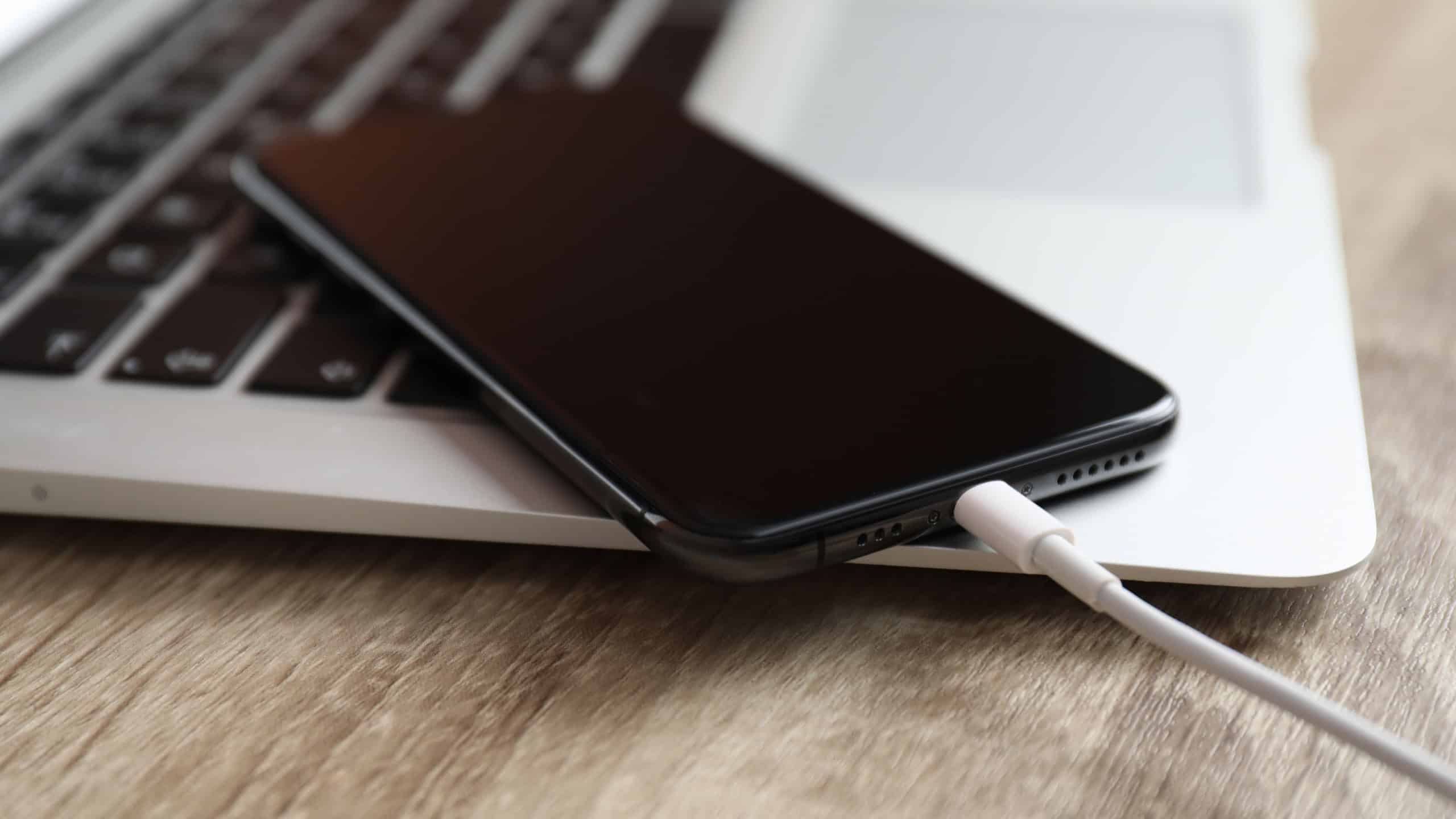
You’ve probably seen it. People start genuinely panicking when they can’t find an Apple charger because they think their phone’s going to explode. They believe only Apple will do. However, Apple allows third-party chargers, as long as they meet the proper safety standards.
The real danger comes from the super-light and super-cheap ones. Those can start fires. But a good-quality charger from a company you know you can count on is usually fine.
Sources: Please see here for a complete listing of all sources that were consulted in the preparation of this article.


